A few tips for Evri deliveries:
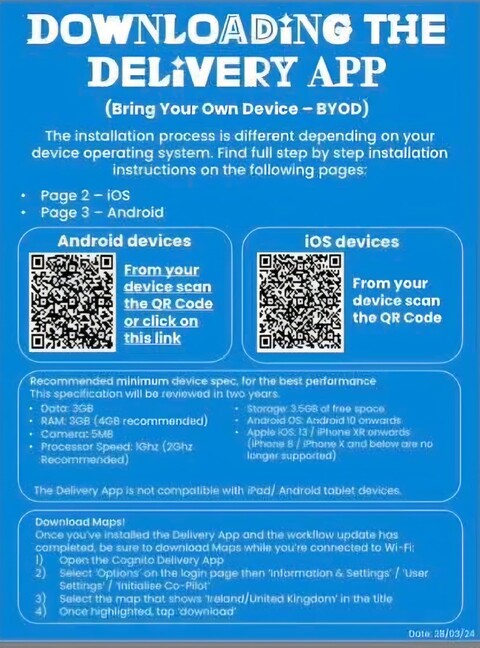
Firstly, you need to download the app ready to start your deliveries.
Scan the appropriate QR and open the link to download the Cognito app yo your device. If you get an unsafe warning, for android confirm it is safe, for Iphone settings>VPN>safe.
Now you are ready to go!
Log in to the app on the number you have been given and proceed with your scanning and loading as you were taught at the training.
Load your car and set off to deliver your round. Please be mindful of ETA, you must try to deliver everything in the correct time.
Your pictures are your proof of delivery and must be accurate and match the delivery description - household needs an open door, the customer and the parcel all in the picture - an enclosed porch is not enclosed if it doesn't have a door, if it is an open porch choose secure delivery and type 'porch', never select enclosed porch. Most importantly, ensure that parcels are left safely and responsibly, not in view and not exposed to the elements.
After your last delivery, go to end of day and sign out, screenshot your summary and send to us, then submit. Please make sure you are back to the login screen to ensure it is sent.